

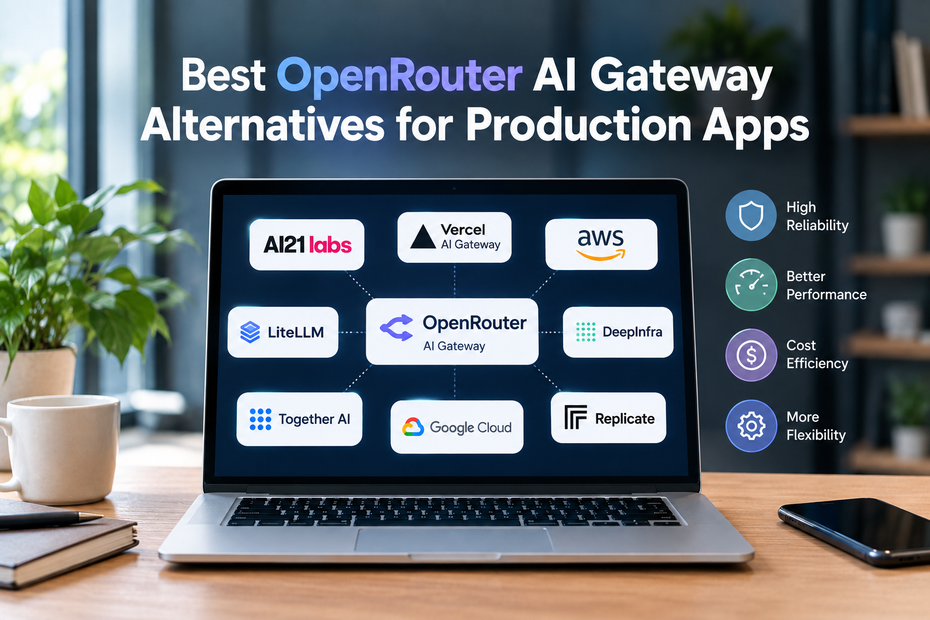
OpenRouter makes it straightforward to call models from different providers through one API. For an app serving real users, that convenience matters. So do the less visible details: which provider handled a request, what happened when it failed, and how much the completed task cost.
Looking at OpenRouter AI Gateway alternatives does not mean OpenRouter lacks production features. It supports model fallbacks, project workspaces, and observability options. Teams compare gateways because they want a different balance of managed service, infrastructure control and day-to-day visibility. The useful question is not "Which platform has the longest feature list?" It is "Which one can our team run confidently when traffic rises or something breaks?"
What to Test Before Changing Gateways
Start with requests from your actual application. Include a normal response, a streamed response, a tool call and an input that regularly causes errors. Then test what happens when the first model is unavailable.
For an AI API gateway comparison, record four things: whether the output is usable, how long the user waits, which fallback handled a failed request, and the total cost. Check what the logs reveal without exposing sensitive user content. A successful API response tells only part of the story if the replacement model changes the answer in a way your app cannot use.
Also examine the migration itself. An OpenAI-compatible endpoint may require only a small client change for basic calls, while model names, tool behavior, or response formats still need testing.
AnyAPI: Managed Access to Multiple Models
AnyAPI offers one API for models from several providers, with routing, fallbacks, and usage tracking described on its site. It is an option for a team that wants to compare models and manage requests without operating its own proxy.
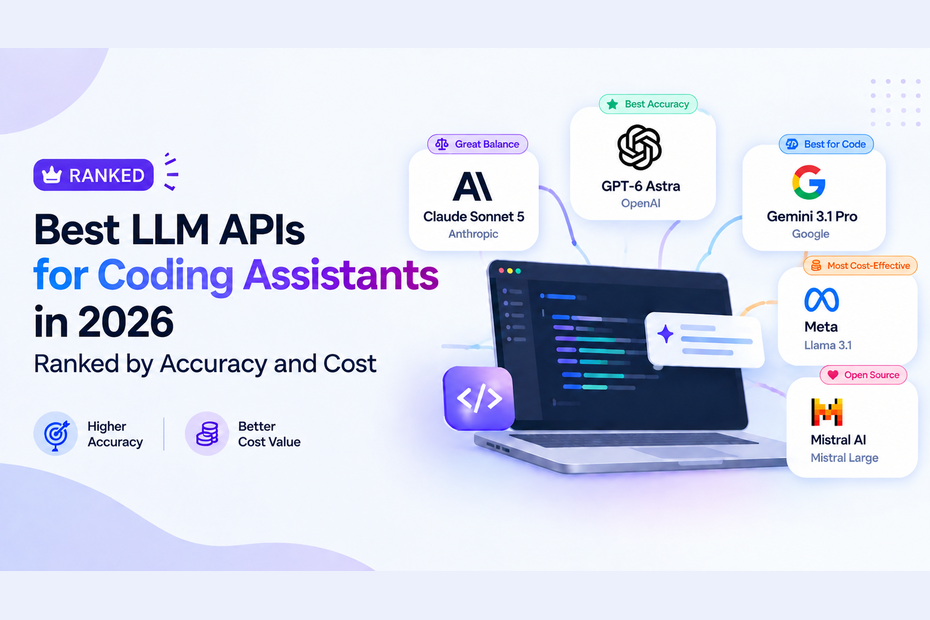
Its catalogue includes GPT-6 Astra and several Claude models. That makes it relevant when evaluating a GPT-6 API gateway or a Claude API gateway for the models your application actually needs. Check the exact model ID and current availability rather than assuming every release from a provider is included.
A practical trial would send the same production-style requests through two models, inspect the results, and test the fallback behavior. AnyAPI's unified interface reduces the need for separate provider connections, but the team still needs to decide which outputs are acceptable for each feature.
Vercel AI Gateway: A Fit for Vercel-Based Teams
Vercel AI Gateway combines access to multiple models with routing, billing, and observability. It supports provider selection and model fallbacks, so teams should not treat those as differences that only other gateways provide.
Its appeal is clearest when the app and its deployment workflow already use Vercel. Developers can assess AI requests alongside the rest of the application's operations. Before switching, test how gateway configuration fits the team's existing code, and make sure request costs and failures are visible to the people responsible for the feature.
For a team outside that workflow, compare the integration and operating experience with other managed options rather than choosing on familiarity with the Vercel name alone.
Portkey: Detailed Controls for Larger Workflows
Portkey focuses on routing and visibility across AI requests. It is worth examining when multiple teams or products share model access and need to understand which workflow caused an error or a jump in spending.
That depth is useful only if the organization has clear policies to put into it. Decide who can choose models, which requests need a fallback, and what information should be logged. Then test whether the gateway makes those rules easier to maintain. A detailed dashboard will not fix an unclear policy by itself.
Portkey may suit an application where investigating failures and managing different workloads have become regular engineering tasks.
LiteLLM: A Proxy Your Team Operates
LiteLLM provides an OpenAI-compatible proxy that can route requests across providers. Unlike a fully managed gateway, it gives a team the option to run that proxy in its own infrastructure.
This makes sense when deployment control is a firm requirement and the team has people to maintain the service. Plan for updates, monitoring, scaling, and database-backed usage controls. Test the production configuration, since a spending limit that appears in a local setup should not be assumed to work identically in every deployment.
The cost comparison should include engineering time and infrastructure, alongside model usage. Owning a proxy can provide valuable control, but it also makes your team responsible for its availability.
Choose for the Failure Case, Not Just the Demo
The strongest AI gateway alternatives become easier to distinguish when you simulate an ordinary production problem. Stop the preferred provider, send requests that use tools, and inspect the user experience. Can you identify the model that answered? Is its output still suitable? Can you explain the cost?
An LLM gateway for production apps should fit the way your team deploys, monitors, and reviews AI features. AnyAPI and Vercel offer managed approaches with different workflows; Portkey provides detailed operational controls; LiteLLM offers a path to operating the proxy yourself. Test each against the same tasks before moving a live feature. A gateway earns its place when the team understands both its normal behavior and its behavior on a difficult day.