


Build in the Terminal.
A thin CLI layer for developers who use the command line to invoke and control multiple AI models – in code, pipelines, IDE terminals, and CI/CD.
Install on Linux / macOS / Windows


Automate your dream workflow
Everything you need to integrate AI into your development process

Multi-model CLI access

Pipe-first interface

IDE-native usage

Model Context Protocol (MCP)

Explicit control

API key management
One command, infinite possibilities
See how AnyCLI bridges your workflow to every AI model


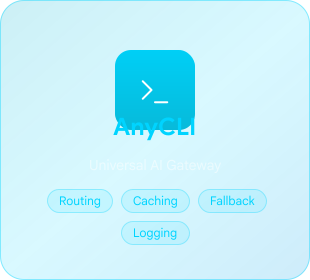
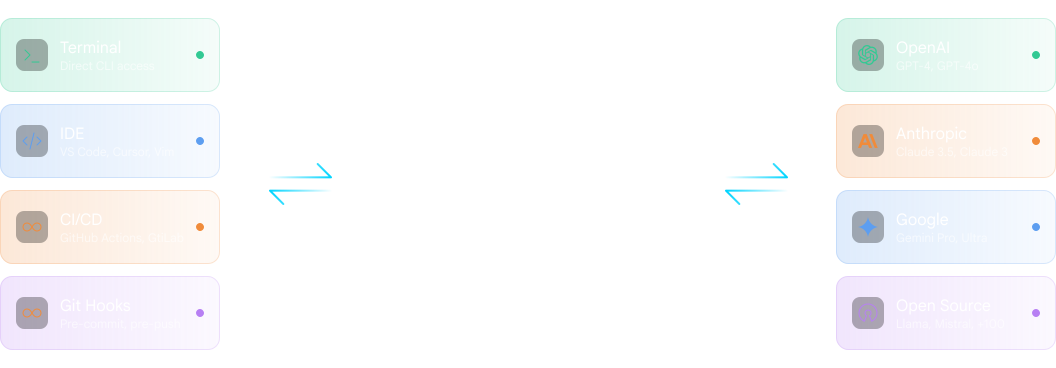
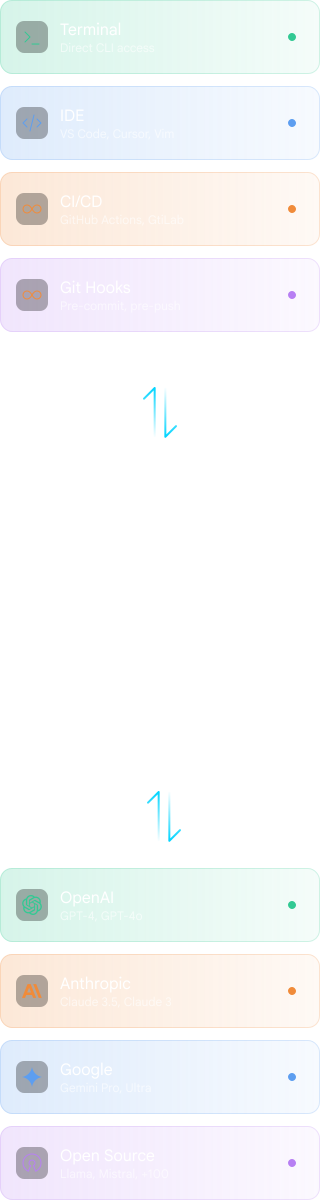
Invoke
Route

Respond

How Developers Use AnyCLI
From local development to automated pipelines and production systems


• Extracted repeated logic into reusable helper functions
• Replaced nested callbacks with async/await pattern
• Added TypeScript generics for better type safety
• Removed unused imports and dead code paths
• Refactored auth middleware for better error handling
• Added rate limiting to API endpoints
• Fixed memory leak in WebSocket handler
• Updated dependencies to latest versions
Connection timeout at line 847 caused by missing retry
logic in database pool configuration. The connection
limit of 10 is being exceeded during peak traffic.
Recommendation: Add exponential backoff retry logic.
• test: should return 401 for unauthenticated requests
• test: should create user with valid payload
• test: should handle duplicate email gracefully
• test: should paginate results correctly
✓ Resource limits properly configured
✓ Health checks defined for all containers
⚠ Warning: No PodDisruptionBudget defined
⚠ Warning: Consider adding resource requests
• Connected to github MCP server (12 tools available)
• Connected to filesystem MCP server (8 tools available)
• Agent mode enabled with full context awareness
Ready for multi-step workflows...
Code Analysis
PR Reviews
Debug Logs
We offer a whole lot more
Enterprise-grade features for serious development teams

Native CI/CD Integration

Works Everywhere

Lightweight & Fast

Enterprise Ready
Frequently
Asked
Questions
AnyCLI is a command-line interface (CLI) for working with multiple LLMs directly from the terminal. It's designed for developers and teams who use the command line as a core tool and want to call AI models inside code, pipelines, IDE terminals, and CI/CD workflows.
AnyCLI provides multi-model access with explicit model and provider selection per command, including OpenAI, Anthropic, Google, Mistral, and open-source models. You always know which model you're calling and why.
LLMs as utilities.
Control stays with you.
AnyCLI is a lightweight CLI interface between developer tools and LLM backends. It doesn't enforce workflows, hide API keys, or abstract away model behavior.