One API.
Any AI Model.
You Own the Stack.

Build, test, and scale AI apps with one API for 400+ models. Switch providers instantly, with built-in RAG, agents, and no infrastructure overhead.

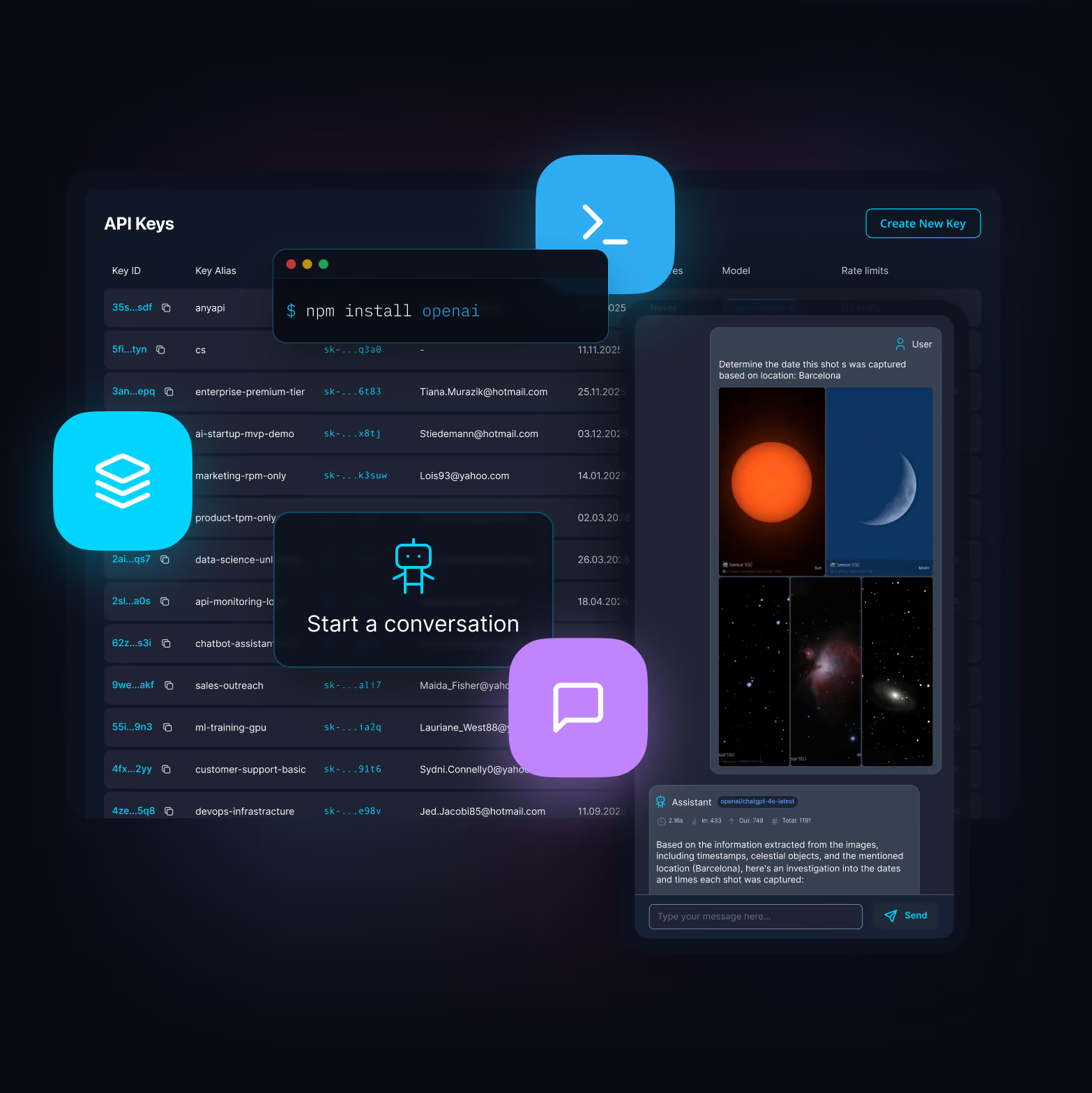
AnyAPI Dashboard API Key Pagenpm install imageAnyAPI Dashboard ChatAnyAPI CLIcli iconchat iconapi icon
Access every major provider

400+

AI Models
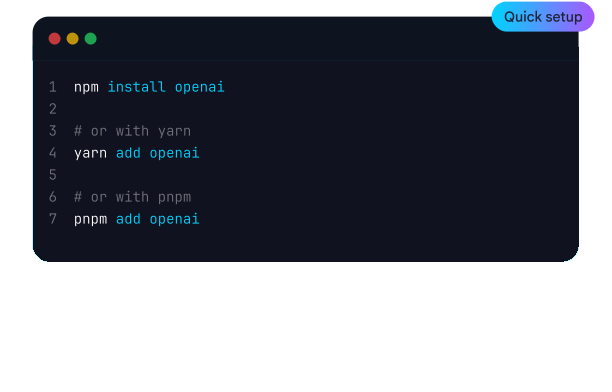
Start building in minutes

Instant

Setup
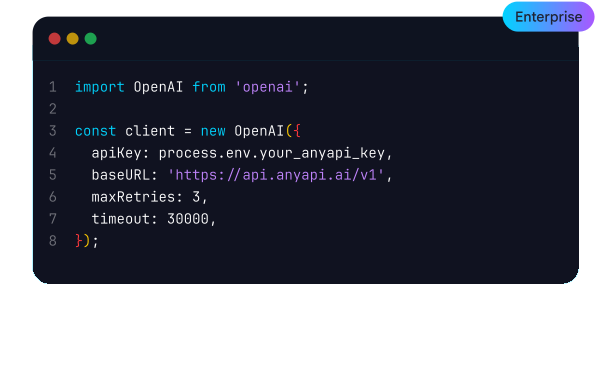
Enterprise-grade reliability

99.99%

Uptime
Intelligent load balancing

Global

Routing

Powered by leading AI providers

Core Products

Everything You Need to Build with AI

core icon

Unified API for ANY Model

Access every major AI model through a single, consistent API. No more juggling multiple SDKs or learning different formats—just one interface to rule them all.
bolt icon
Included with all AnyAPI plans at no extra cost
Get started
main arrow icon
plus icon
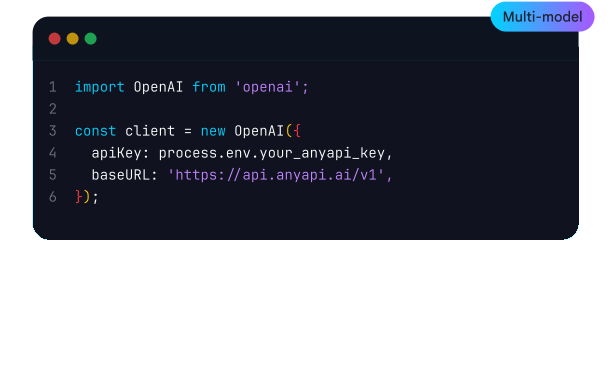
OpenAI-compatible format
Drop-in replacement for OpenAI SDK. Switch your base URL and instantly access Claude, Gemini, Llama, and hundreds more.
plus icon
Smart routing & fallbacks
Automatic failover between providers ensures 99.99% uptime. Route by cost, latency, or quality—you define the rules.
plus icon
Usage tracking & analytics
Real-time dashboards for cost, latency, and token usage. Set budgets, get alerts, and optimize spend across all models.
cli icon

AnyCLI

Command Line Interface
Powerful command-line interface for managing API keys, testing endpoints, and deploying configurations directly from your terminal.
Install CLI
main arrow icon
message icon

AnyChat

Developer Playground
Interactive developer playground to test prompts, compare model outputs, and fine-tune your AI integrations in real-time.
Try Playground
main arrow icon

Swap models by changing one string — everything else just works. We handle routing, parameters, fallbacks, and response shaping for you.

Try for free
main arrow icon
from openai import OpenAI

# Initialize the client with AnyAPI endpoint
client = OpenAI( 
    api_key="your_anyapi_key_here",
    base_url="https://api.anyapi.ai/v1"
)

# Create a chat completion
completion = client.chat.completions.create(
    model="model_name",
    messages=[
        {"role": "user", "content": "Hi, can you help me?"}
   ]
)

print(completion.choices[0].message.content)

AnyCLI lets you run prompts, automate workflows, compare models, and power full AI pipelines — without ever leaving your terminal.

Run AnyCLI from Your Terminal
main arrow icon
$ anyapi login --api-key sk-*******

$ anyapi models list

gpt-5-mini LLM available
vision-pro Vision available

$ anyapi call gpt-5-mini --prompt "Write a product tagline for AnyAPI CLI"

> "AI in one command. Power in every line."

Engineered For Teams That Need Stability

Enterprise-ready infrastructure and automation, with secure data control and reliable uptime

Operational
activity icon
99.9% Service Availability
ready
shield icon
SOC2 + ISO-27001
ACTIVE
list search icon
Audit logs
ENABLED
locker icon
Private data support
READY
world icon
Multi-region failover
Active
users icon
Team management & RBAC

Whatever you want to build, AnyAPI makes it simple — a single gateway to AI models, agents, MCPs, and more, all under one bill.

View Docs
main arrow icon
chat icon

AI Chat & Copilots

Real-time, multi-model conversations with tool use.
code icon

Content & Code Generation

Faster, cheaper outputs via caching, batching, and routing.
navigation icon

Multi-Agent Orchestration

Route tasks between agents with discovery, auth, and logging built in.
chart icon

Model Benchmarking & Evaluation

Compare LLMs with identical prompts instantly.
database icon

Enterprise RAG

Private, contextual answers powered by vector stores.
Coming soon
connection icon

MCP Hub

Connect any MCP server via single endpoint with access control and logging.

Insights, Tutorials, and AI Tips

Explore the newest tutorials and expert takes on large language model APIs, real-time chatbot performance, prompt engineering, and scalable AI usage.
Unauthorized users accessed Anthropic's advanced AI model Claude Mythos through a third-party vendor environment shortly after its controlled rollout in Project Glasswing, exploiting prior leaks and operational lapses rather than a direct core breach.
Many companies are blindly throwing money away by using top-tier, expensive AI models for basic tasks that don't actually require that much "brain power." The fix is to stop using a sledgehammer to crack a nut and instead route simpler queries to smaller, cheaper models, which can slash daily costs by up to 90%.
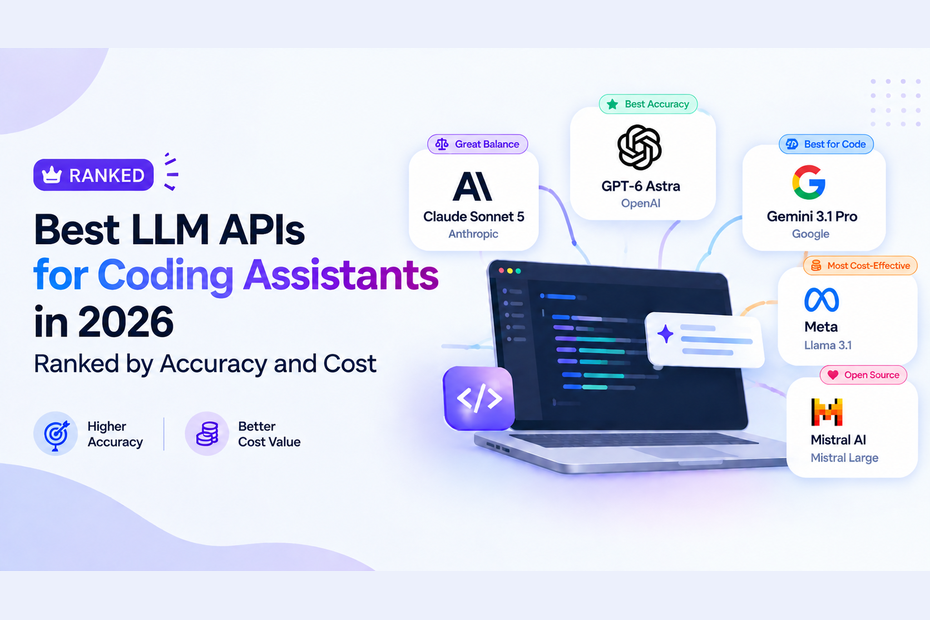
So what are the actual alternatives in April 2026? I spent the last few weeks testing the major AI coding assistants. I looked at their exact pricing, their token efficiency, and whether they survive when you throw a 50k-line codebase at them.

Frequently
Asked
Questions

From API credits to model performance and integration steps, here are the answers developers and startups ask most.

You can access top-tier large language models including GPT-4 Turbo, Claude 4 Sonnet, Claude 4 Opus, Mistral 7B, Mixtral, and Gemini. We regularly add new models as they become available.

No. AnyAPI gives you unified access to multiple AI models through a single API key — no individual provider accounts required.

Start Building with AnyAPI Today

Access top language models like Claude 4, GPT-4 Turbo, Gemini, and Mistral – no setup delays.